

CAT4 MTN Broadband Review
The reviewer shares their experience setting up and using the MTN CAT4 Broadband router at home. They describe the simple setup process, battery life lasting up to three days after a short charge, and its suitability for home, office, or car use. The review concludes with the benefit of having reliable network access without needing to go outside.
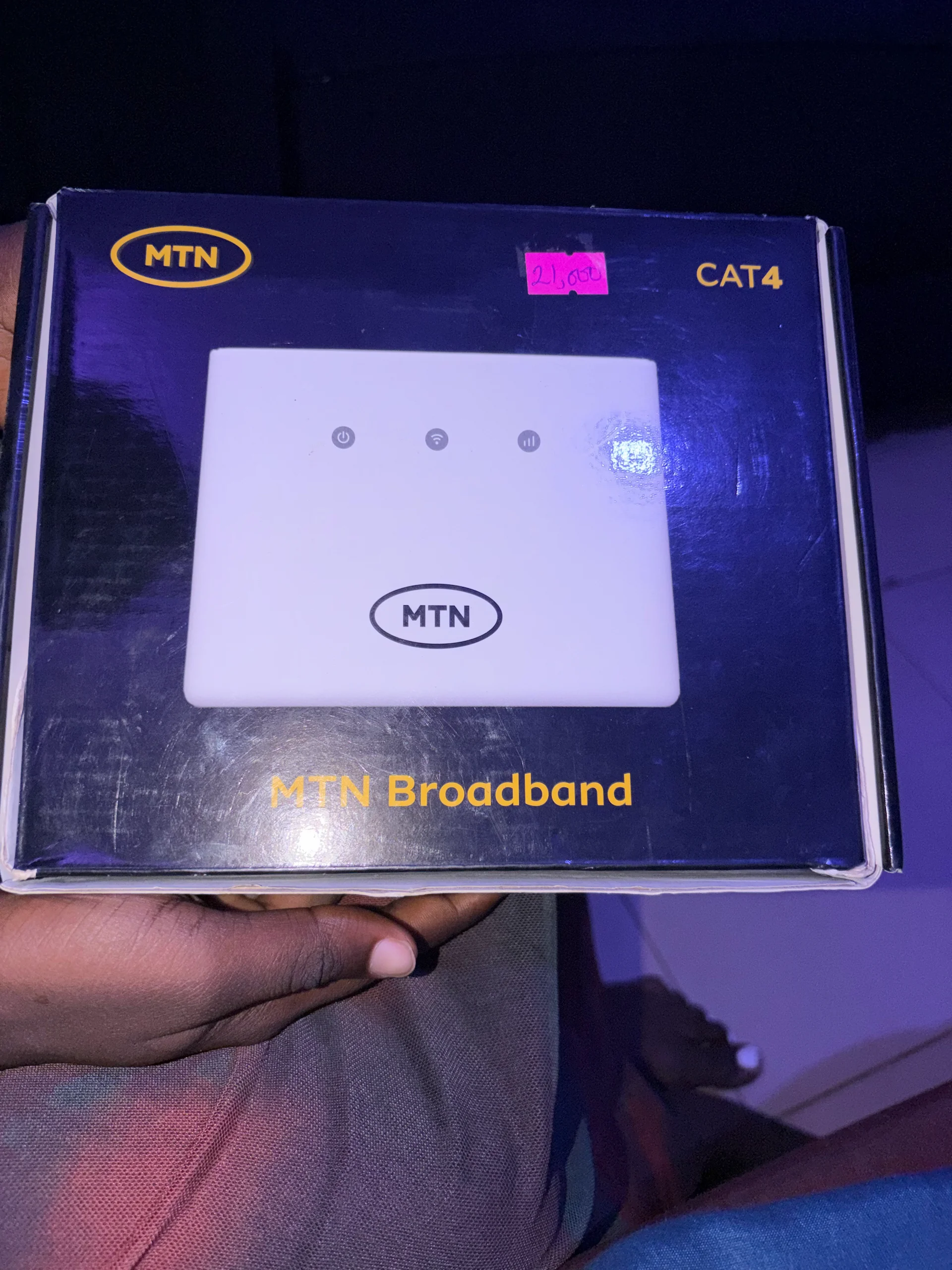
Product: MTN 4G LTE Router
- Duration
- 1:54
- Rating
- 5
- Views
- 5
- Likes
- 2
- Comments
- 0
- Shares
- 0
- Price
- ₦21,000 NGN
- CNY equivalent
- ~¥104 CNY
- EUR equivalent
- ~€13.53 EUR
- GBP equivalent
- ~£11.59 GBP
- USD equivalent
- ~$15.40 USD
Key claims
Positive claims
- Easy to set up with MTN SIM insertion
- Battery lasts up to 3 days after 1–30 minute charge
- Best for home, office, or car use
- Eliminates need to search for network outdoors
Details
- Priced around ₦21,000 in Nigeria
- Requires MTN SIM only
- Charge once for 1–30 minutes
Transcript
Hi everyone, today I will talk about the, um, CAT4 MTN Broadband. This CAT4 MTN Broadband is a home Wi-Fi, like a home router, so it is easy to set up and it is not expensive. It is around ₦21,000 in Nigeria currently, in my area. So This Wi-Fi, you just have to like, after getting it, just unbox it. Then you put— there's a space at the back where you can put your SIM, a MTN SIM to be precise. You cannot use other SIM, it is for MTN because it is an MTN product. So you put your SIM at the back of it, then after putting it, then you can just proceed to like getting data. You can just purchase data to that SIM, just purchase it to to the number of the MTN, and you just have to charge it. You can charge it just once, maybe like 1 to 30 minutes. So after that, then you can use it for like 3 days. So the battery is very, very durable, and it is easy to use. You don't have to be carrying it up and down. It is best for like home. You can just put it in your house or in your office or maybe in your car. It is not like a pocket Wi-Fi because it is a little bit big. But it is easy to use at home. After charging, just on it, put it somewhere, maybe on your table or on, on a shelf. So once it's there, you just connect it to your phone and you started— you start browsing. You don't have to like stress yourself to get network. Maybe there's no network in your area, you don't have to just be going outside to find network up and down. After getting this router, you can just use it, on it, charge it purchase data on the SIM you put inside. Then you can just put this somewhere inside your house, your shop, your office, anywhere. Then you connect to it and you start using